Interactive whiteboard games for any lesson
Touch-friendly team games for interactive whiteboards and smartboards. Make one from any lesson in a minute; students tap the board, you run it from your phone.
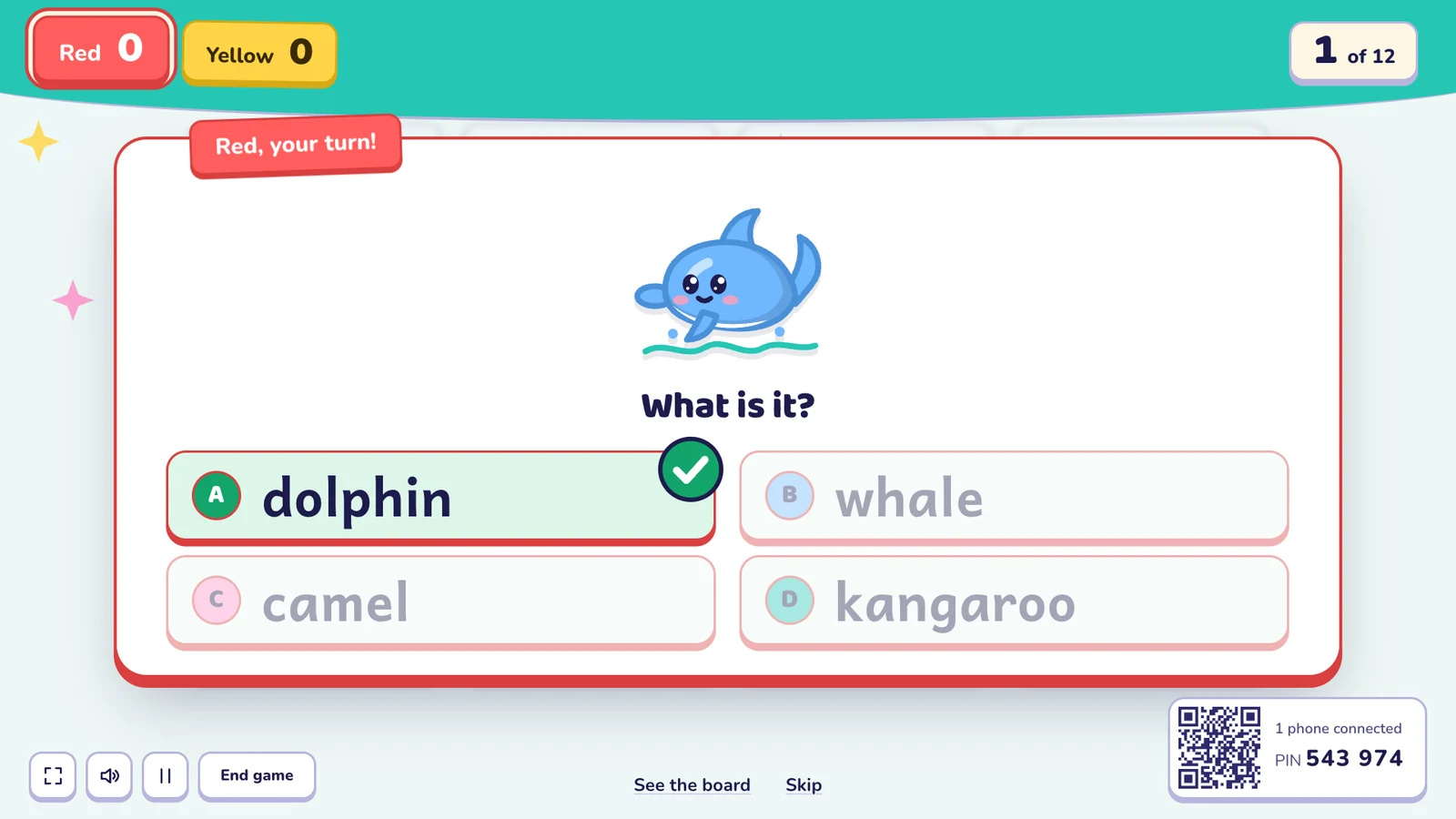
An interactive whiteboard is the perfect stage for a class game: big, bright and made to be touched. Oly turns any lesson into a team game that runs in the board's browser. Students come up and tap the answers, tiles and pictures, and you keep control from your phone.
Why Oly works well on an interactive whiteboard
- Made for touch. Every answer, tile, card and button on the board can be tapped. The buttons are big, so small hands can reach and hit them.
- Nothing to install. Open olyclass.com in the board's browser (Chrome, Edge, Safari or Firefox). It also works from a laptop connected to the board.
- Readable from the back row. Large text and pictures, high contrast, and questions that change format to keep attention.
- Teams, not individuals. One student from each team comes up to the board; the rest of the team helps from their seats.
- Your phone as the remote. Stand anywhere in the room: see the answer first, mark it right or wrong, pause or skip.
The best games for touch boards
| Game | Why it shines on a touch board |
|---|---|
| Listen and Touch | Oly says a word; one student from each team races to touch the right picture (English) |
| Pop the Word | Critters pop up holding pictures; tap the one for the word you hear (English) |
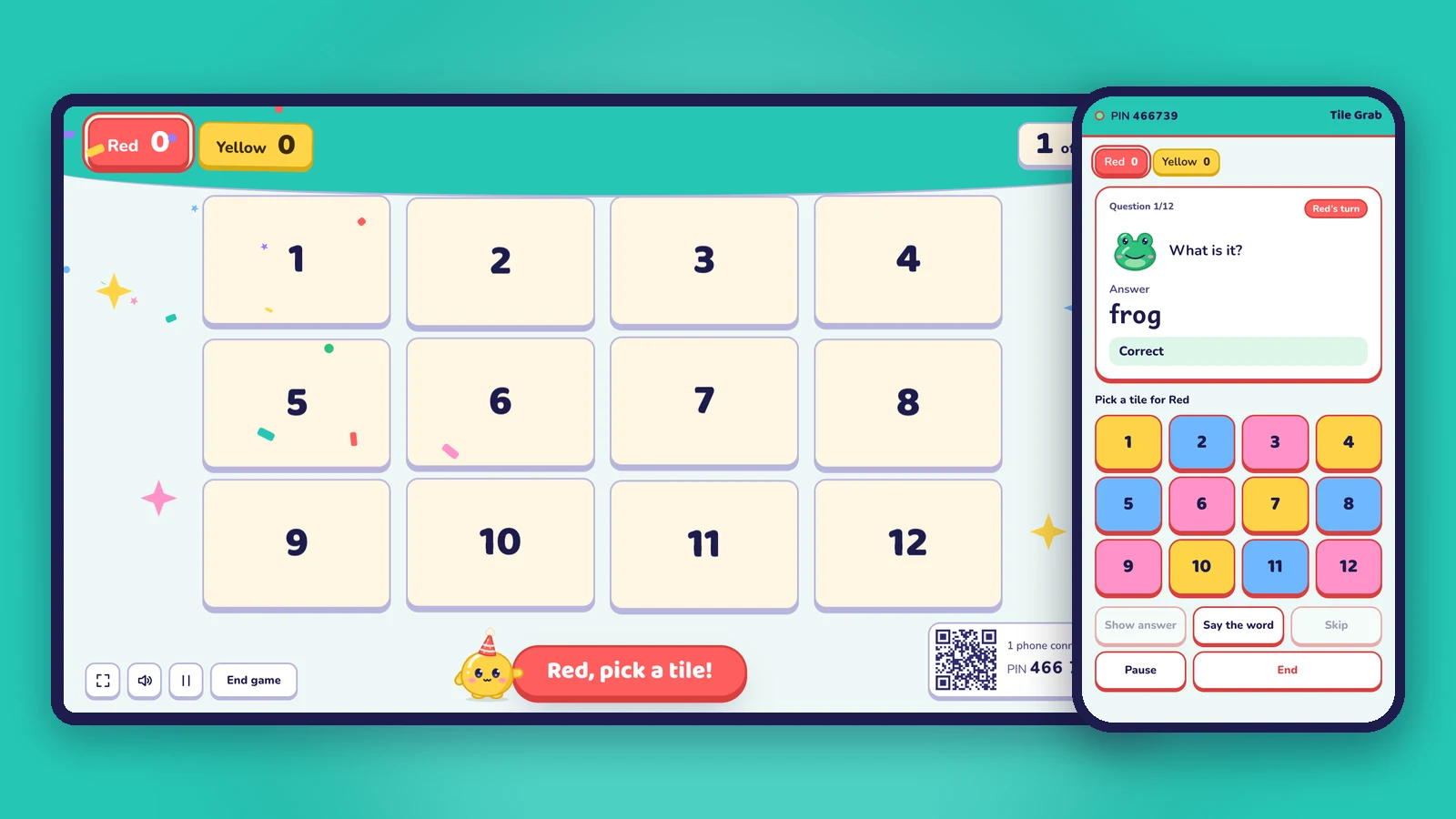
| Tile Grab | The team taps a tile to flip it: points, stars, bombs or magnets |
| Memory Match | Tap two cards to find a word and its picture |
| Line of Four | Tap a column to drop your team's disc |
| Three in a Row | Tap a square to place your team sticker |
| Mystery Picture | Each right answer peels a piece off the hidden picture |
All 15 games run on a touch board, and every game works with every question set.
How to set it up
- Open olyclass.com in the board's browser and choose Make a game, or open the library for a ready-made one.
- Make questions from a photo of the textbook page, a word list, a topic or your own questions.
- Pick a game and the number of teams, then press Start the game.
- Optional: scan the QR code in the corner with your phone to use it as the remote.
Tips for touch-board games
- Calibrate the board before class if taps land in the wrong place.
- Give each team a "runner" who comes to the board, and change the runner every question.
- Use fullscreen (the button on screen, or the F key) so nothing else is in the way.
- Turn the sound up. Listening games and read-aloud need the board's speakers or external ones.
- Keep the phone remote handy for the moments when the board is crowded.
Frequently asked questions
Which interactive whiteboards does Oly work on?
Any board or display with a modern web browser (Chrome, Edge, Safari or Firefox), or any computer connected to the board. If the board's own browser is old, connect a laptop instead.
Do students need their own devices?
No. Students answer by coming up to the board or out loud as a team. Only the board (and, if you like, your phone) is used.
Can I use Oly for subjects other than English?
Yes. Pick Math, Science, History & geography, Reading & writing or another subject; 11 of the 15 games work with any subject.
What does it cost?
Every game and the library are free to play. The free plan includes 10 AI question sets a month; Oly Pro is $36 a year.
See also: classroom games without student devices and games for a projector or TV.