Like Kahoot, but without student devices
Kahoot needs a device per player or per team. Oly plays quiz games on one screen with no student devices, and imports your public Kahoot quizzes.
Kahoot is a great quiz game, but it needs devices: in the classic mode every player answers on their own phone, tablet or computer, and even in team mode each team shares at least one device. If your students don't have devices, or you'd rather keep screens out of their hands, you need a game that runs on one screen at the front of the room.
That's what Oly does. And if you already have Kahoot quizzes, you can bring them with you.
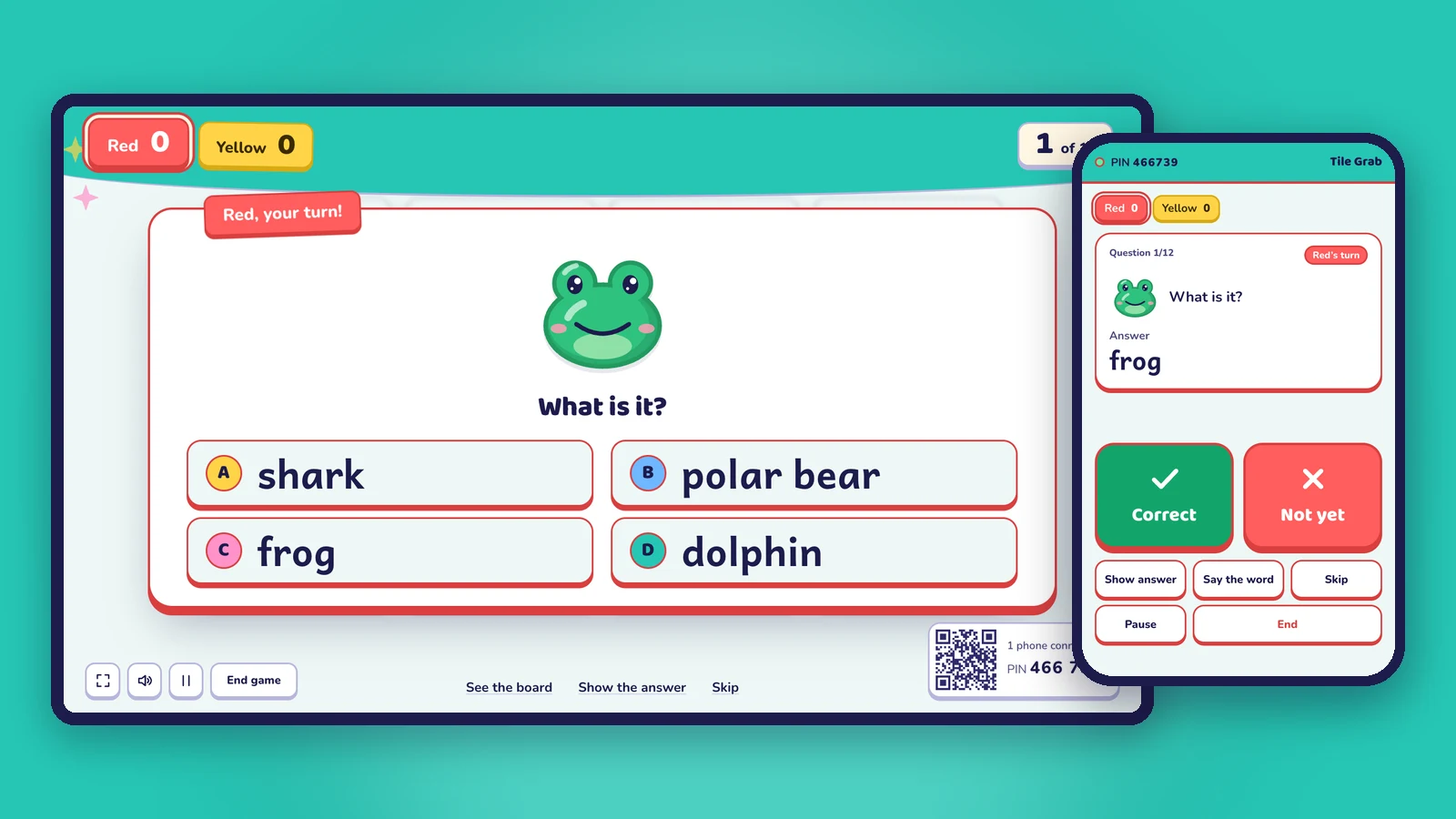
How the two work in class
| Oly | Kahoot | |
|---|---|---|
| What students need | Nothing: they answer out loud as a team or tap the board | A device per player, or a shared device per team (team mode) |
| What the class sees | One big screen with the question, the game board and the scores | The question on the main screen; answers are tapped on the devices |
| How answers are marked | You mark them on your phone (or on the screen, keyboard or clicker) | Each device answers; the game marks them |
| Accounts for students | None | Players join with a game PIN |
| Making a quiz | AI from a textbook photo, a word list or a topic; or paste questions; or import a public Kahoot link | Write questions or use their tools |
| Game types | 15 team games (Tile Grab, Lucky Wheel, Team Bingo, Paper Race…) | Quiz modes |
Kahoot details are from Kahoot's support pages (team mode with shared or personal devices), checked on October 28, 2026.
Bring your Kahoot quizzes to Oly
- In Kahoot, make sure the quiz is public and copy its link.
- In Oly, open Make a game and paste the link.
- Oly imports the questions and answers. Check them, pick one of 15 games and the teams, and play on one screen.
You can also paste questions one per line (question | answer | wrong, wrong) or rows from a spreadsheet.
When a one-screen game is the better choice
- Not every student has a device, or the school doesn't allow phones.
- Young learners: no logins, no typing, no tapping on small screens.
- You want students to talk. In a team they discuss and agree before answering.
- You want to see faces, not the tops of heads bent over screens.
- Patchy Wi-Fi: only one computer and your phone need to be online, not 30 devices.
When Kahoot may suit you better
- Every student has a device and you want individual scores for each student.
- You need homework or self-paced quizzes that students do on their own.
Frequently asked questions
Can I play Kahoot without devices?
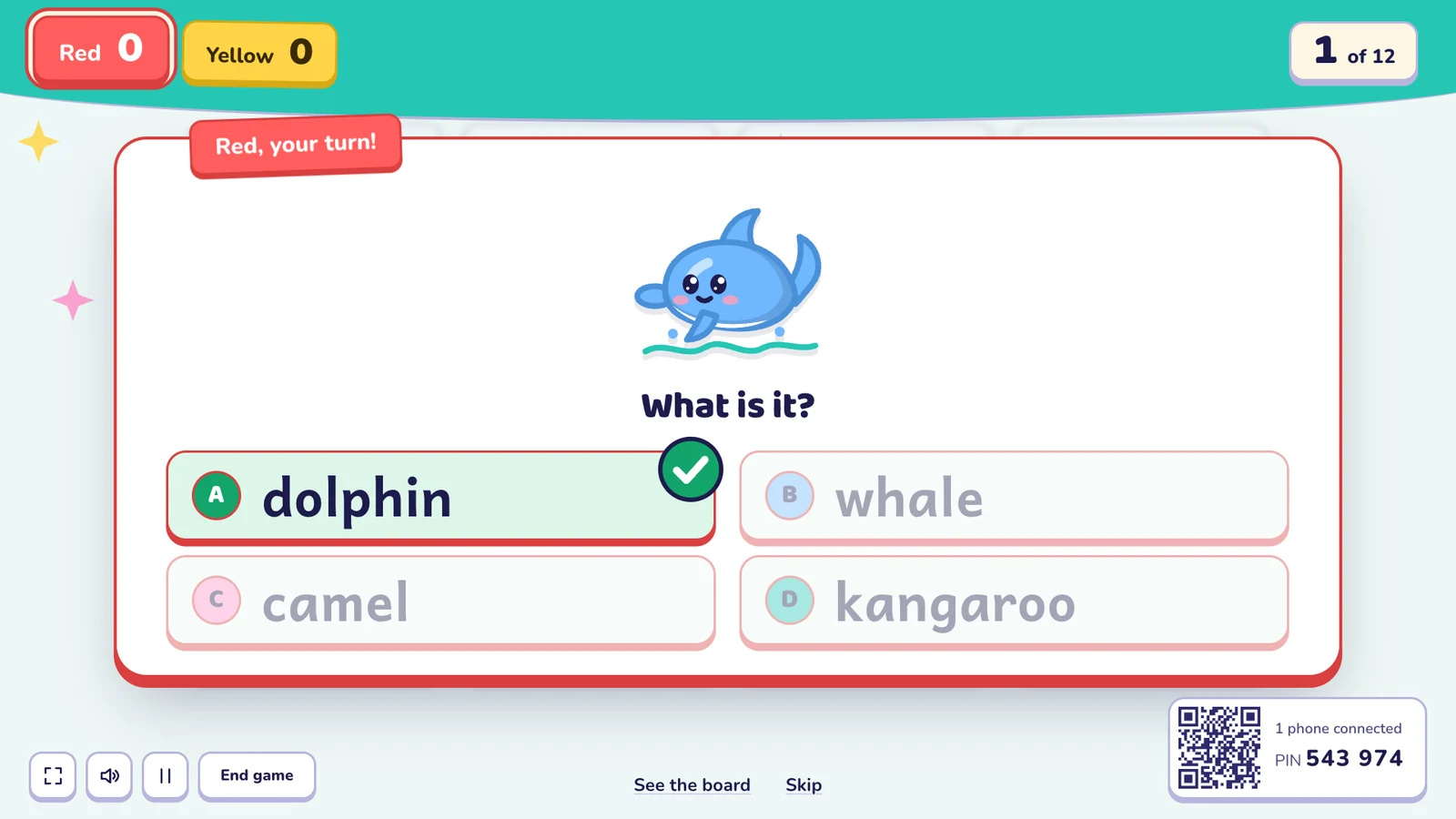
Kahoot's own modes need at least one device per team. For a game with no student devices at all, use a one-screen game like Oly, where teams answer out loud and you mark the answers.
Can I import my Kahoot quizzes into Oly?
Yes, any public Kahoot quiz: paste its link into Make a game.
Do students need accounts in Oly?
No. Students never sign in. Only the teacher signs in, to save games.
Is Oly affiliated with Kahoot?
No. Oly is made by Groowing Co., Ltd. Kahoot! is a trademark of its owner and is named here only for comparison.
See also: classroom games without student devices and how Oly works in class.