Classroom games for a projector or TV
Team games made for one projector or TV: big, readable questions, sound, and your phone as the remote. Make one from any lesson in a minute, free.
A projector or a classroom TV is all you need for a team game the whole class can see. Oly turns the lesson you're teaching into a game on the big screen in about a minute, and your phone becomes the remote, so you never have to run back to the laptop.
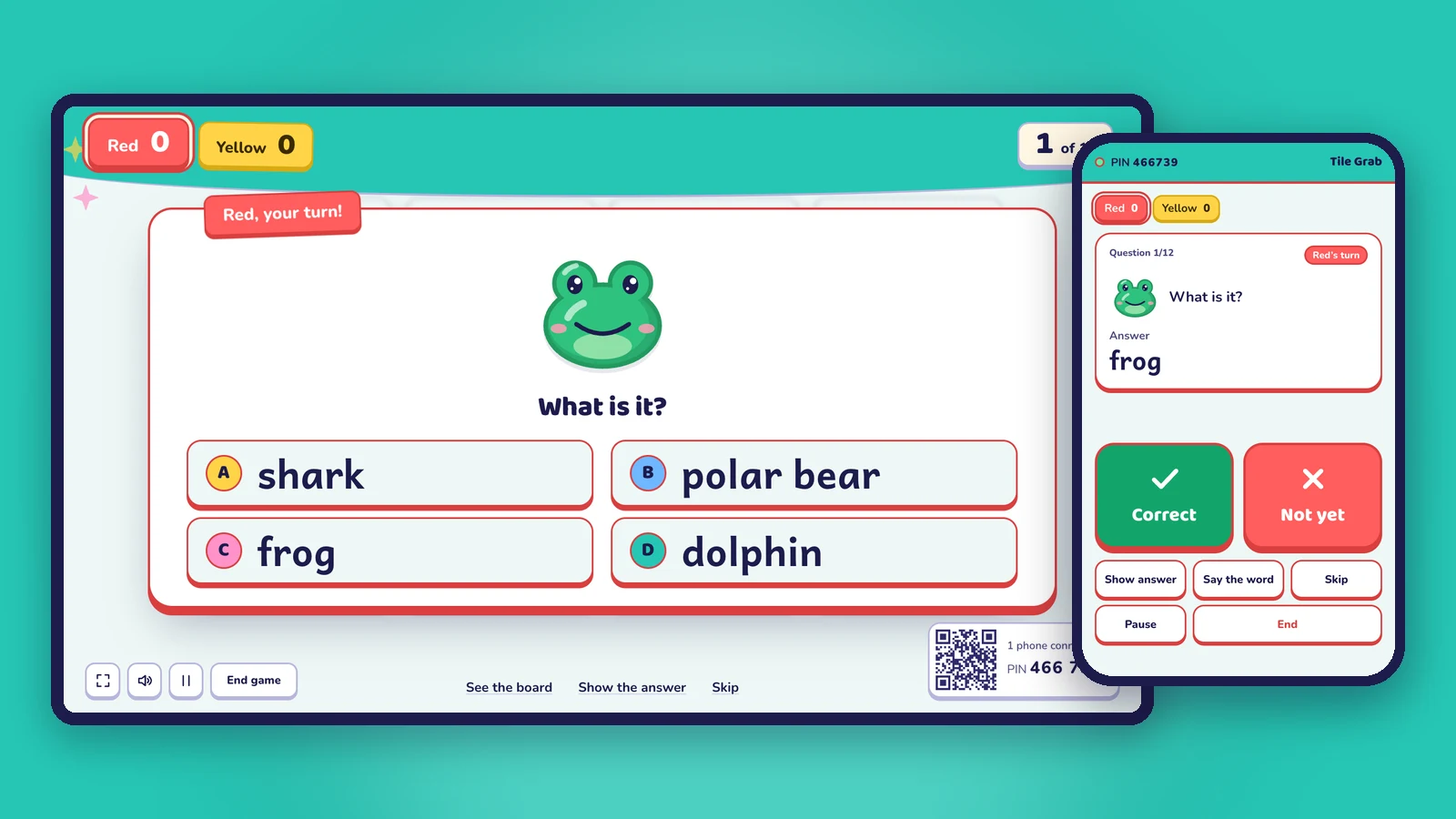
Built to be seen from the back row
- Big text and pictures, with strong colors that stay readable on a faded projector.
- Team colors and scores across the top of the screen, so everyone knows who is winning.
- Sound that carries: Oly reads words aloud and plays music and effects. Plug in speakers for a big room.
- Fullscreen with one key (F), and a calm mode with fewer effects if your class gets too excited.
Your phone is the remote
Most quiz tools tie you to the keyboard. With Oly, scan the QR code on the screen or type the 6-digit PIN, and your phone shows the question and its answer. Tap Correct or Not yet, show the answer, say the word again, pick a tile for the team, pause or end the game. The phone and the computer don't need to be on the same Wi-Fi.
No phone at hand? The keyboard works too (C for correct, X for not yet, R to show the answer, Space for next), and so does a presenter clicker.
From lesson to game in a minute
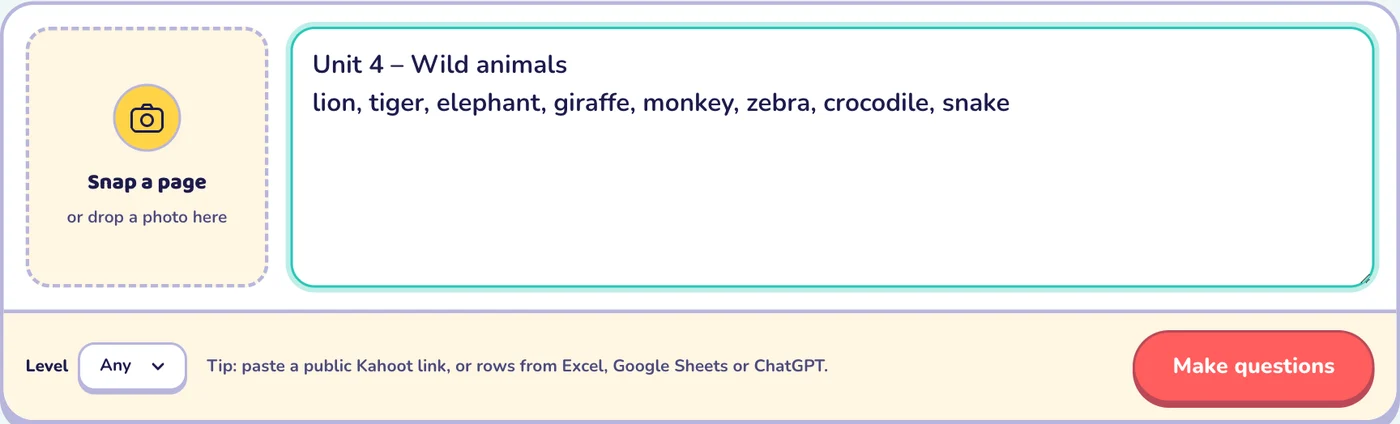
- Snap the page you're teaching, paste a word list, or type a topic. You can also paste your own questions or a public Kahoot link.
- Check the questions. Each word gets a picture, pronunciation and an example sentence; change anything you like.
- Pick a game: 15 to choose from, such as Tile Grab, Lucky Wheel, Team Bingo or Paper Race.
- Play in teams on the projector or TV.
Good games for a projector
| Game | Why it works on a shared screen |
|---|---|
| Tile Grab | Big tiles, surprise points, and magnets that steal from the leader |
| Lucky Wheel | The whole class watches the wheel spin |
| Team Bingo | Every team has a card on screen; each answer stamps them all |
| Paper Race | Cars race across the screen; last place gets a boost |
| Hoop Shot and Penalty Kick | Choose a shot after a right answer, then watch it fly |
| Mystery Picture | A hidden picture appears piece by piece |
Frequently asked questions
What do I need besides the projector?
A computer with a browser connected to the projector or TV. Your phone is optional, as the remote. Students need no devices.
Can I use a smart TV on its own?
If the TV has a modern web browser, yes. Many teachers prefer a laptop connected by HDMI, which makes sound and fullscreen easier.
Does it work offline?
No. Oly runs in the browser and needs an internet connection to make questions and to connect your phone.
Is there a free plan?
Yes. Every game and the library are free to play, and you can make 10 AI question sets a month for free.
More: classroom games without student devices · interactive whiteboard games · 10 English vocabulary games for one screen.