A Gimkit alternative for classes without devices
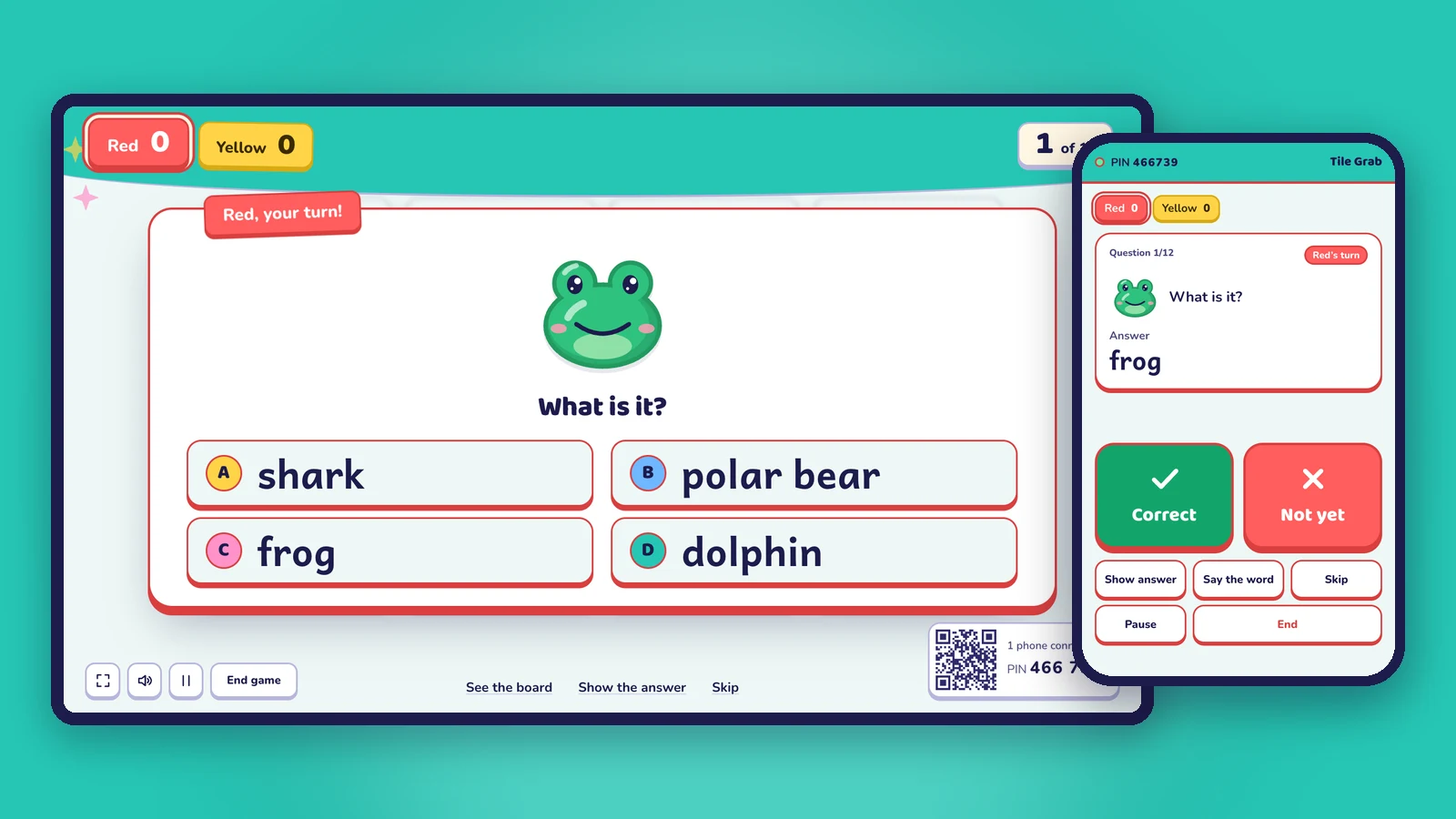
Gimkit is played on a device per student. Oly runs team games on one screen with your phone as the remote, and makes games from a textbook photo.
Gimkit calls itself a live learning game show, and students love it: fast rounds, lots of game modes, and new free modes that rotate through the year. Like most quiz games, it is played on devices: each student joins on their own device with a game code, QR code or join link, and the host screen shows the leaderboard on the projector.
If your class doesn't have a device for every student, or you'd rather keep screens out of students' hands, Oly is built for exactly that: team games on one screen, run from your phone, with no student devices at all.
This page is an honest comparison. Both are good tools; the right one depends on your classroom.
At a glance
| Oly | Gimkit | |
|---|---|---|
| What students need | Nothing: they play in teams and answer out loud | Their own device, to join with a game code, QR code or join link |
| How the class plays | 2 to 8 teams on one shared screen (up to 4 on the free plan) | Each student on their device; the host can cast a leaderboard to the room |
| Teacher's remote | Your phone shows the answer and marks it (QR code or 6-digit PIN) | Not mentioned on their site |
| Make a game from a photo of a textbook page | Yes (AI) | Not mentioned on their site |
| Make a game from a word list or topic with AI | Yes, with pictures and pronunciation for English words | Not mentioned on their site |
| Other ways to add questions | Paste questions or spreadsheet rows, import a public Kahoot link | Write questions, import flashcard sets, a CSV file, a question bank |
| Game types | 27 team games, every one free | About three free modes at a time (they rotate); every mode with Gimkit Pro |
| Homework | No: Oly is for live play in class | Assignments, with Gimkit Pro |
| Players | The whole class, in teams | Up to 500 students in a live game (60 in 2D modes; Pro-only modes are limited to 5 players on Gimkit Basic) |
| Free plan | Yes: every game, the whole library, 10 AI sets a month | Yes (Gimkit Basic) |
| Paid plan | Oly Pro: $36 a year or $4.99 a month | Gimkit Pro: $59.88 a year or $14.99 a month |
Gimkit details are from Gimkit's help center (Gimkit Pro FAQ, hosting a live game, player maximums, creating a kit), checked on October 31, 2026. Prices change; check their site for the latest.
When Oly is the better fit
- Your students don't have devices, or the school doesn't allow phones. Oly needs one computer on the projector, TV or interactive whiteboard, and your phone.
- You want every game on the free plan. All 27 Oly games are free to play, all the time, with your own questions or the library's.
- You want students to talk to each other. In a team they discuss and agree before they answer, instead of each student racing alone on a screen.
- You teach young learners. No logins, no typing, no small screens. Listening, spelling and speaking games like Listen and Touch, Balloon Words and Hot Seat.
- You don't have time to write questions. Snap the textbook page you're teaching, paste a word list or type a topic, and the game is ready in about a minute.
- You like strategy and luck in the game itself. Teams block each other in Three in a Row, choose to bank or climb in Prize Climb, or pick a safe or risky shot in Penalty Kick, all on the shared screen.
- Patchy Wi-Fi. Only the computer and your phone need to be online.
When Gimkit may suit you better
- Every student has a device and you want each one to play, earn and score individually.
- You want homework. Gimkit Pro can assign kits for students to play on their own time. Oly is for live play in class.
- Your students love Gimkit's game modes, including its 2D modes, and ask for them by name.
- You already have many kits there.
Moving to Oly
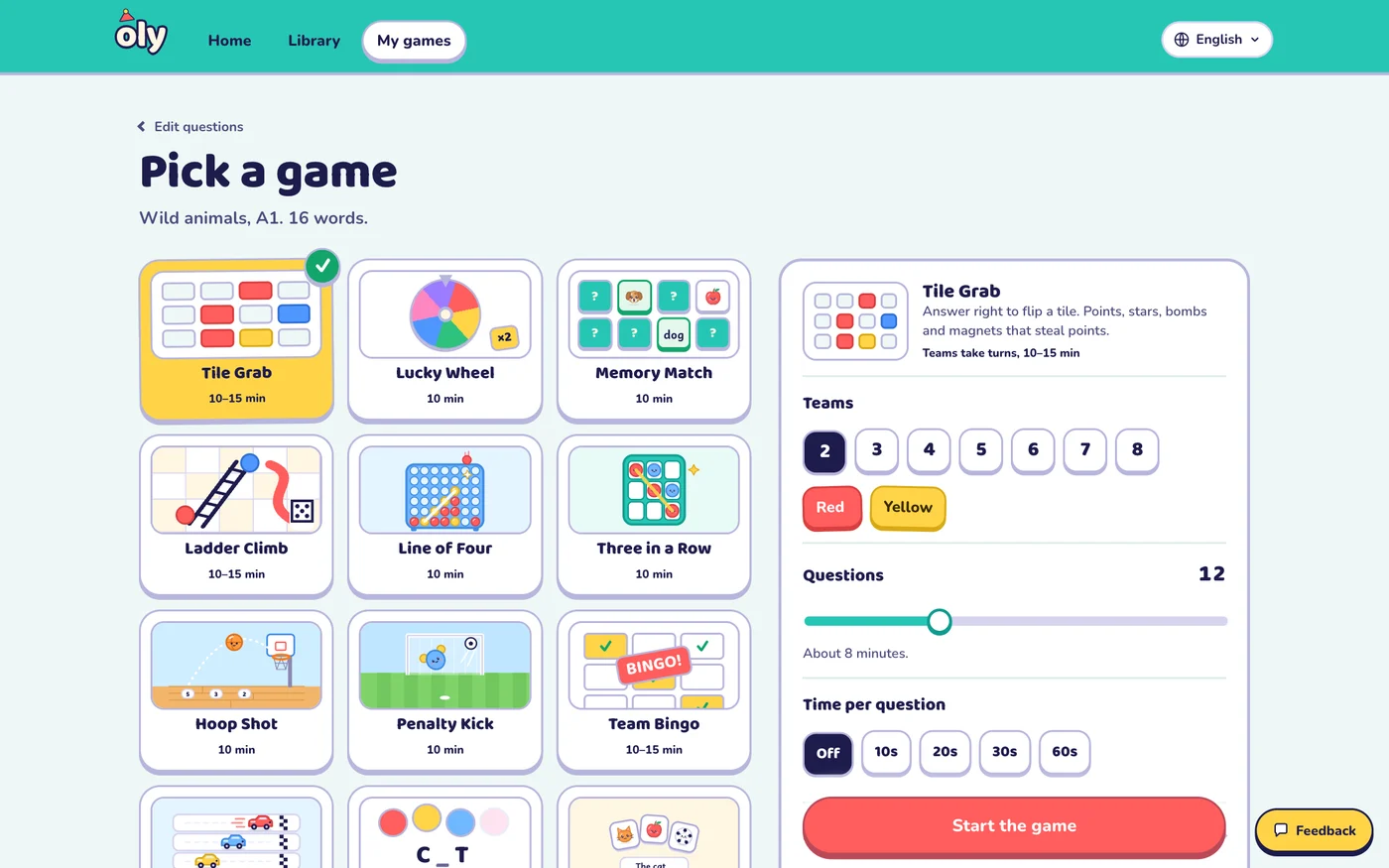
- Open Make a game.
- Paste your questions one per line as
question | answer | wrong, wrong, or paste rows from a spreadsheet (for example the CSV you use for Gimkit, opened in a spreadsheet). A public Kahoot link works too. Or snap the textbook page. - Check the questions, pick a game and the teams, and press Start the game. Scan the QR code to use your phone as the remote.
Frequently asked questions
Can you play Gimkit without devices?
Gimkit's live games are joined from student devices. For a game with no student devices at all, use a one-screen game like Oly, where teams answer out loud and you mark the answers on your phone.
Is Oly free?
Yes. Every game and the whole library are free to play, and the free plan includes 10 AI question sets a month and up to 4 teams. Oly Pro ($36 a year or $4.99 a month) raises the limits and allows up to 8 teams.
Does Oly work for math, science and other subjects?
Yes. Twenty-one of the 27 games work with any subject, with multiple choice, true or false and open questions. Six games are made for English: spelling, listening and speaking.
Do students need accounts in Oly?
No. Students never sign in. Only the teacher signs in, to save games.
Is Oly affiliated with Gimkit?
No. Oly is made by Groowing Co., Ltd. Gimkit is a trademark of its owner and is named here only for comparison.
Other comparisons: Baamboozle alternative, Kahoot without student devices, Blooket alternative, Wordwall alternative, Quizizz (Wayground) alternative.