Three in a Row: a tic tac toe review game for the whole class
A tic tac toe review game for the whole class: answer right to place your team's sticker, three in a row scores +5. Free, on one screen, no student devices.
Three in a Row is a tic tac toe review game for the whole class: teams answer questions, and every right answer lets them place a sticker on a shared 3×3 board. It suits ages 6 and up, works with any subject, and needs one screen at the front.
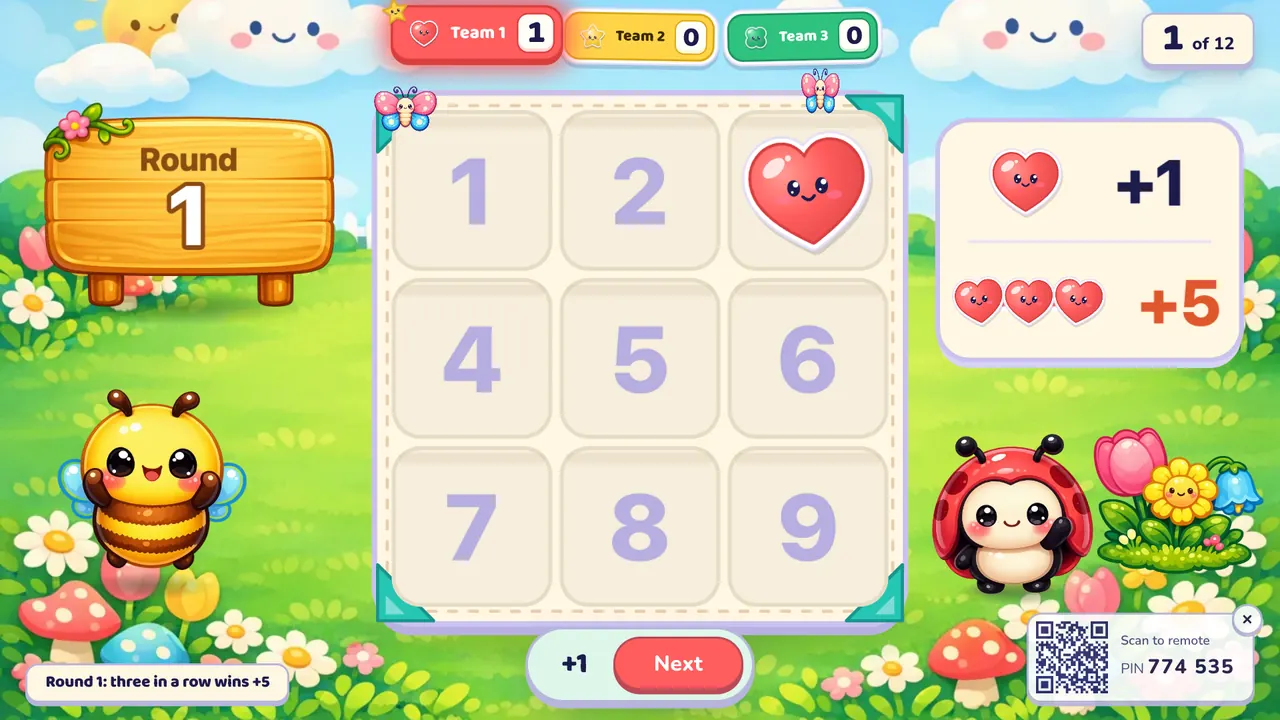
At a glance
| Players | The whole class in 2–4 teams free (up to 8 with Oly Pro) |
| Time | 10–20 minutes for 12 questions |
| Works with | Every English question format and every subject |
| Best for | Quick review, mixed-ability classes, touch screens |
| You need | One screen (projector, TV or interactive display) and your phone |
How to play Three in a Row
- Make or pick a question set. Snap a textbook page, paste a word list, type a topic, paste your own questions, or open a set from the free library.
- Pick Three in a Row, set the teams and start. Teams take turns; the screen shows whose turn it is.
- Play. A right answer lets the team pick an empty square (1 to 9) for its sticker: +1. If the sticker completes three in a row, across, down or diagonally, the team gets +5 more and the board clears for a new round. A wrong answer places nothing. When the questions run out, the most points wins.
Rules and scoring
- Each sticker: +1.
- Three in a row: +5 on top of the sticker, so +6 for that pick. The line lights up and a new round starts on an empty board.
- Full board, no line: it clears and a new round starts, with no bonus.
- Blocking counts. A taken square can't be picked again, so a team can drop its sticker where another team needed it.
You can switch these in the lobby before the game, or mid-game from the settings button:
- Timer: none, 10, 20, 30 or 60 seconds. Running out counts as a wrong answer.
- Wrong answers lose a point. Off by default; scores never go below zero.
- Steal: off by default. When on, after a miss, another team may answer. If it's right, that team places the sticker, but gets no extra turn.
- Double or triple questions: the points from that pick are multiplied.
- Hide the score, a seasonal theme, and full, calm or no effects.
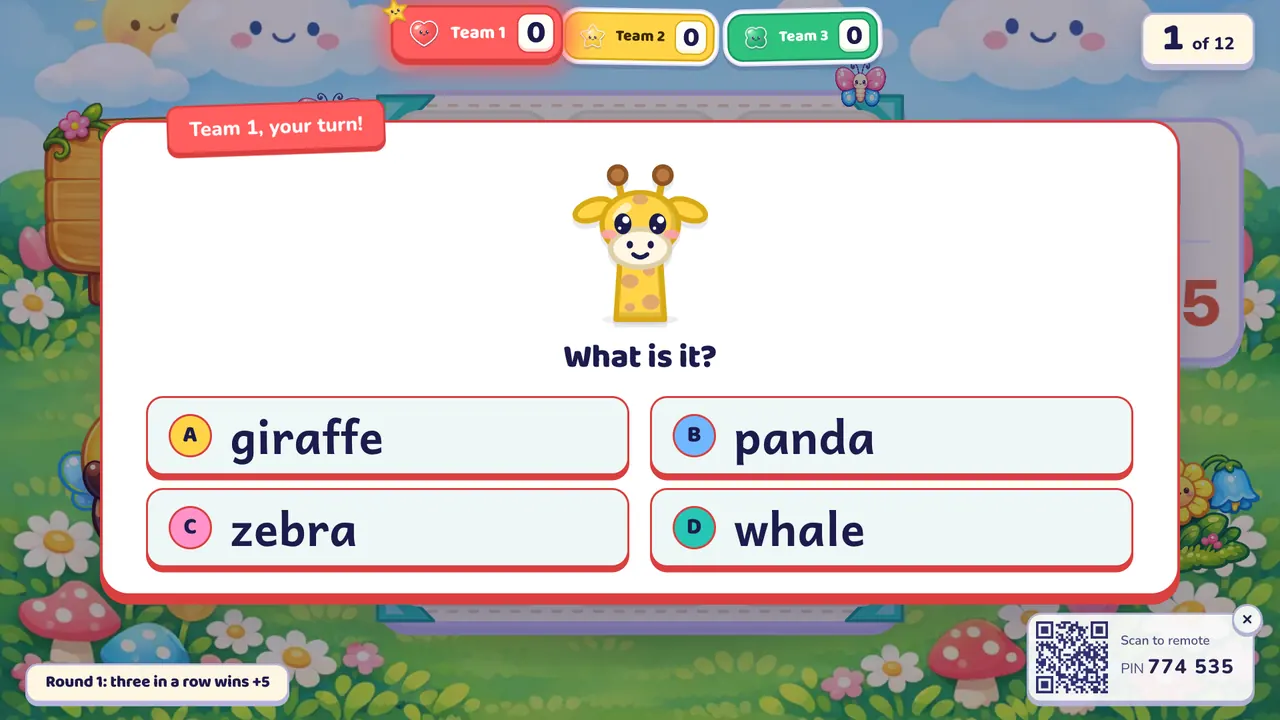
The class sees the question; you see the answer on your phone and tap Correct or Not yet. On a touch screen, students can tap a multiple-choice answer themselves.
What you can teach with it
English: every format works: picture, word, listen, spell, meaning, sentence order and your own questions.
- Animals or food at A1: quick picture questions for young learners.
- Irregular past tense: your own questions like "go → ?", or spelling went, saw, bought.
- Sentence order at A2: put the words of a sentence from the lesson in order.
Other subjects use multiple choice, true/false and open questions:
- Math: times tables or mental arithmetic.
- Science: true/false facts about plants, the body or weather.
- History and geography: capitals, dates, "who was…" questions.
Tips from the classroom
- Class of 40? Make 4 teams of 10. Add a class list and Oly calls one student per team for each question, so everyone gets a turn.
- Let the team choose the square. Give them five seconds to agree; arguing about where to block is half the fun.
- Turn on steal when teams drift off during other teams' turns.
- Use a 20-second timer once the class knows the words.
- One team far ahead? Mark the last questions as double: a line on a double question is worth 12.
Play it without a screen
- Draw a 3×3 grid on the whiteboard and give each team a symbol (X, O, triangle, star).
- Ask one team at a time. A right answer lets them draw their symbol in an empty square.
- A square is 1 point, three in a row 5 more; then wipe the grid.
The screen version adds pictures, sound and pronunciation, keeps score for you, and lets you run it from your phone while you walk the room.
Questions teachers ask
Is Three in a Row free?
Yes. The game, the library and your own typed questions are free. The free plan also includes 10 AI question sets a month (3 from photos) and up to 4 teams; Oly Pro allows up to 8.
Do students need devices?
No. The class plays on one screen. Only you use a phone, as the remote: scan the QR code or type the 6-digit PIN.
How many students can play?
Any number. Split the class into 2 to 4 teams on the free plan, or up to 8 with Oly Pro; all teams share one board.
Can I use my own questions?
Yes. Paste them as question | answer | wrong, wrong, type them in the editor, or import a public Kahoot link.
What happens when the board fills up?
If all nine squares are taken and nobody made a line, the board clears and a new round begins. Points already won stay.
Can a team lose points?
Only if you turn on "wrong answers lose a point". It's off by default, and a score never drops below zero.
If your class likes this, try Line of Four for a bigger board, or Team Bingo, where every team has its own card.