Penalty Kick: a football review game for the whole class
A football (soccer) review game: answer right, then shoot left, right or at the top corner past the keeper. Free, on one screen, no student devices needed.
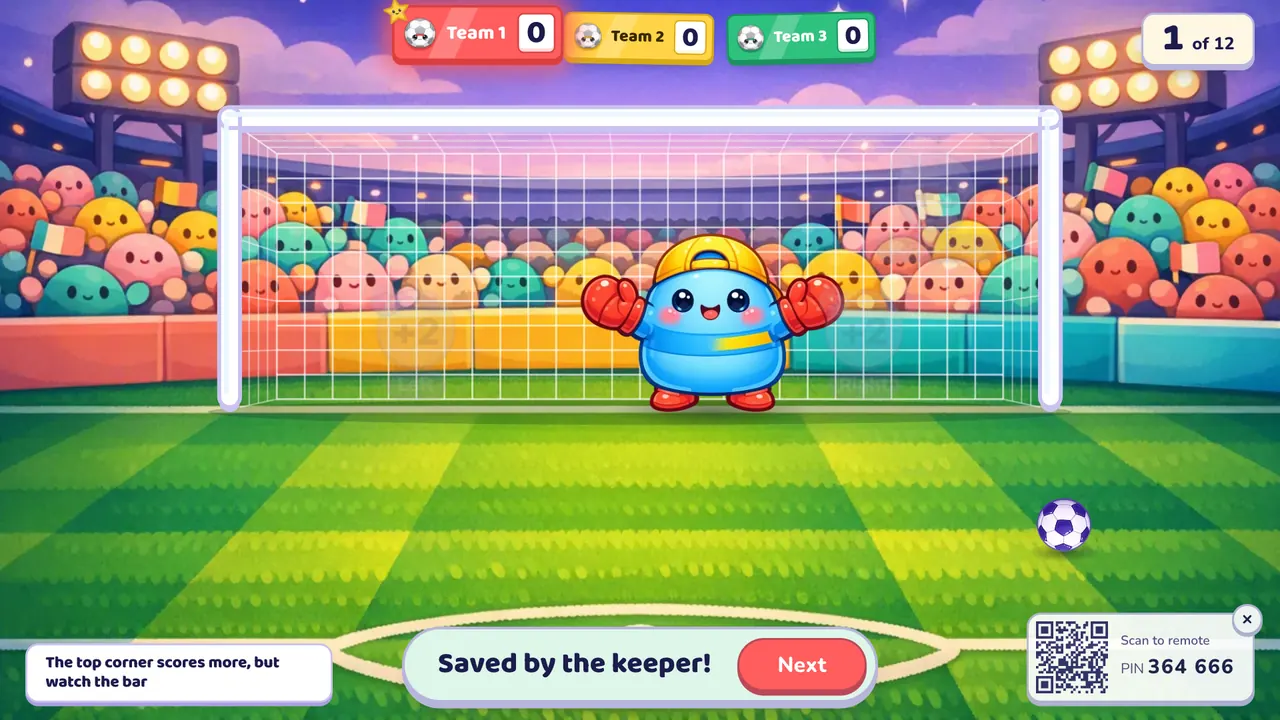
Penalty Kick is a football review game for the whole class (soccer, if you teach in the US): a right answer earns a penalty, and the team decides where to shoot. Left or right is worth 2 but the keeper might dive there; the top corner is worth 3 but the ball might hit the bar. It works with any subject.
At a glance
| Players | The whole class in 2–4 teams free (up to 8 with Oly Pro) |
| Time | 10–20 minutes for 12 questions |
| Works with | Every English question format and every subject |
| Best for | Review lessons, sports-mad classes, World Cup season |
| You need | One screen, your phone, and speakers for the crowd |
How to play Penalty Kick
- Make or pick a question set. Snap a textbook page, paste a word list, type a topic, paste your own questions, or start from the free library.
- Pick Penalty Kick, set the teams and start. Teams take turns.
- Play. A right answer earns a penalty: the team picks left, right or the top corner. The keeper dives, and the ball goes in, gets saved or hits the bar. A wrong answer means no kick. When the questions run out, the team with the most points wins.
Rules and scoring
| Shot | Points | What can go wrong |
|---|---|---|
| Left | 2 | The keeper dives left, right or stays in the middle at random: a 1 in 3 chance it saves the shot |
| Right | 2 | Same: 1 in 3 saved |
| Top corner | 3 | Out of the keeper's reach, but about 1 in 3 shots hit the bar |
So the top corner is actually the better bet on paper: it scores about as often as a side shot and is worth more. A top-corner goal gets a fanfare and confetti.
You can switch these in the lobby before the game, or mid-game from the settings button:
- Timer: none, 10, 20, 30 or 60 seconds; running out counts as a wrong answer.
- Wrong answers lose a point. Off by default; scores never go below zero.
- Steal: off by default. When on, after a miss, another team may answer and takes the penalty if it's right (no extra turn).
- Double or triple questions: the points from that kick are multiplied.
- Hide the score, a seasonal theme, and full, calm or no effects.
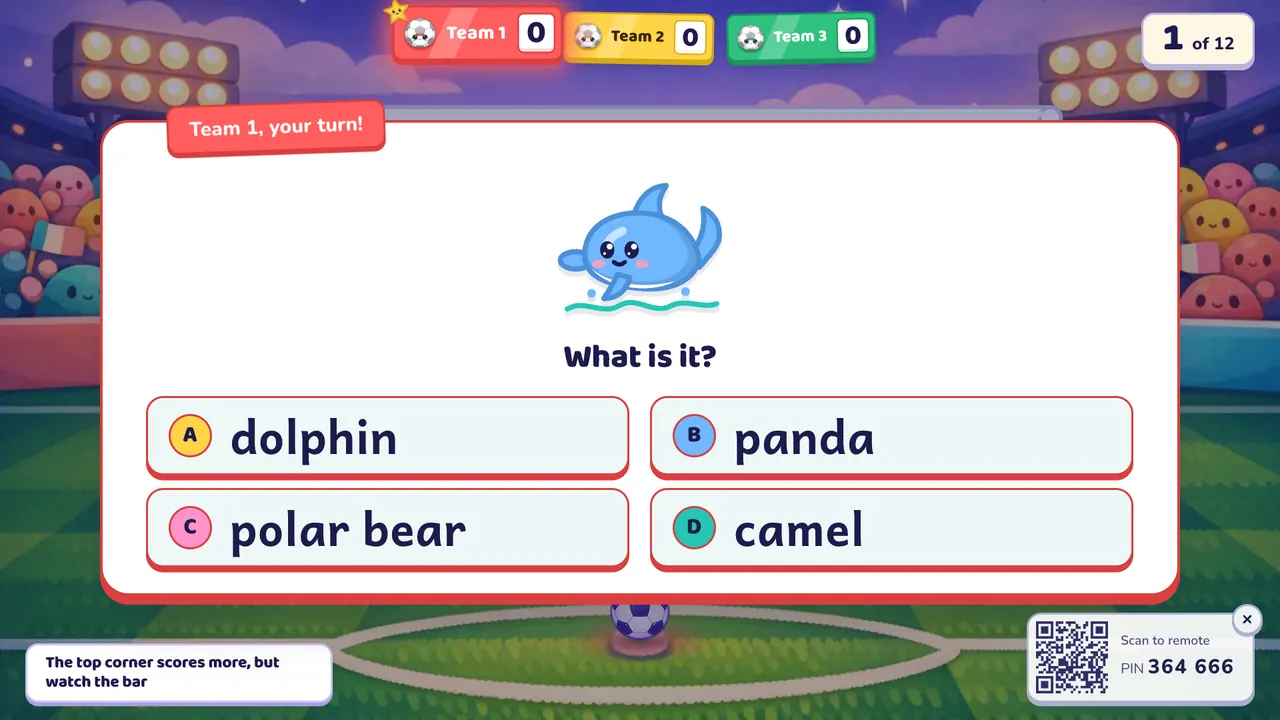
You see the answer on your phone and tap Correct or Not yet; then the team calls its shot and you tap it on the phone, or a student taps it on a touch screen.
What you can teach with it
English: every format works: picture, word, listen, spell, meaning, sentence order and your own questions.
- Directions and prepositions at A1: left, right, top, in, on, under. The shot buttons on screen read Left, Right and Top corner.
- Sports vocabulary at A2: score, goal, save, kick, referee, with picture and spelling questions.
Other subjects use multiple choice, true/false and open questions:
- Math: fractions and chance: "1 in 3" is a lesson in itself.
- Science: true/false facts about forces and motion.
- History and geography: countries that hosted a World Cup, flags and capitals.
Tips from the classroom
- Pick a different kicker each turn. Add a class list and Oly calls one student per team for each question.
- Have the team shout its corner before you tap, so the decision is theirs.
- Big class of 40: four teams of ten, and a 20-second timer keeps it moving.
- When one team runs away with it, turn on steal: the trailing teams get extra chances to score.
Play it without a screen
- Draw a goal on the whiteboard and split it into left, right and a small top corner.
- A right answer lets the team call its shot. A "keeper" (another student, eyes closed) points left, middle or right.
- Left or right scores 2 if the keeper pointed elsewhere; for the top corner, roll a die: 1 or 2 hits the bar, otherwise 3 points.
The screen version plays the keeper and the bar for you, fairly, with sound and animation, and lets you run it from your phone.
Questions teachers ask
Is Penalty Kick free?
Yes. The game, the library and your own typed questions are free. The free plan includes 10 AI question sets a month (3 from photos) and up to 4 teams; Oly Pro allows up to 8.
Do students need devices?
No. The class plays on one screen. You use your phone as the remote by scanning the QR code or typing the 6-digit PIN.
Which shot is best?
On average the top corner: it goes in about two times in three and is worth 3. Left and right also go in about two times in three, but are worth 2.
How many students can play?
Any number. Split the class into 2 to 4 teams on the free plan, or up to 8 with Oly Pro.
Can I use my own questions?
Yes. Paste them as question | answer | wrong, wrong, type them in the editor, or import a public Kahoot link.
Can a team lose points?
A saved shot or a shot off the bar scores nothing but costs nothing. Teams lose a point for a wrong answer only if you turn that rule on.