October 31, 2026
Blooket vs Kahoot vs Baamboozle (and Oly): which fits your class?
Blooket, Kahoot or Baamboozle? An honest guide by classroom: devices or not, age, live play or homework, and budget. Plus where Oly fits in.
Ask a staff room which classroom game is best and you'll hear three names: Blooket, Kahoot and Baamboozle. All three are good. They are also built for different classrooms, and most of the "which one?" question comes down to a few practical things: do your students have devices, how old are they, do you need homework or only live play, and what can you spend.
This guide sorts them by those questions, honestly, and shows where Oly (the tool we make) fits in. Where we compare features, the details come from each tool's own website, checked in October 2026.
The one question that decides most of it: devices
Before features, prices or game modes, ask: what will students hold in their hands?
- Blooket: each student plays on their own device. They join with a Game ID, a QR code or a join link, and the host screen goes on the projector.
- Kahoot: players answer on devices. In the classic mode every player has one; in team mode a team can share a device, but each team still needs at least one.
- Baamboozle: no student devices. The class plays in teams on one screen, and the teacher runs the game.
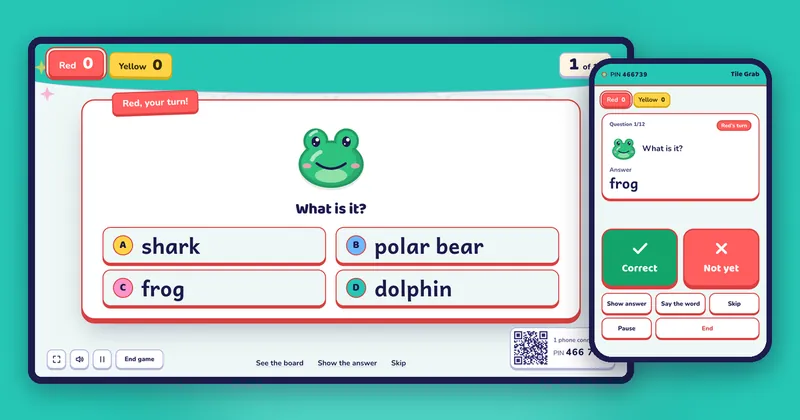
- Oly: no student devices either. Teams play on one screen, and the teacher's phone is the remote: it shows the answer and marks it.
So if your students have no devices, or the school doesn't allow phones, the choice is already narrower: a one-screen game like Baamboozle or Oly. If every student has a Chromebook, all four work, and the other questions decide.
At a glance
| Blooket | Kahoot | Baamboozle | Oly | |
|---|---|---|---|---|
| Student devices | One each | One each, or one per team | None | None |
| How the class plays | Each student on their device | Each player or team on a device | Teams on one screen | Teams on one screen |
| Homework or self-paced | Yes | Yes | Not mentioned on their site | No, live play only |
| Teacher runs it from | The host computer | The host computer | The host computer | Your phone (or the keyboard) |
| Make questions with AI | Through Khan Academy's Khanmigo generator | See their site | Not mentioned on their site | From a textbook photo, a word list or a topic |
| Free plan | Yes (up to 60 players) | See their site | Yes (Basic) | Yes (every game, 10 AI sets a month) |
| Paid plan | Blooket Plus | See their site | Baamboozle+: $59.88 a year or $7.99 a month | Oly Pro: $36 a year or $4.99 a month |
Details from blooket.com's help center (October 31, 2026), Kahoot's support pages and baamboozle.com (October 28, 2026). Prices change; check each site.
Situation 1: every student has a device
This is where Blooket and Kahoot shine. Each student answers on their own screen, the game marks every answer, and you get a report for each student afterwards.
- Blooket is the one students tend to ask for: lots of game modes, some only with Blooket Plus. The free plan hosts up to 60 players, Plus up to 300.
- Kahoot is the classic live quiz: question on the big screen, answers on the devices, a fast leaderboard. Team mode works well when you have fewer devices than students.
Even with devices, a one-screen game is worth having for days when you want students talking to each other rather than tapping alone, or when the Wi-Fi can't hold 30 devices. Read Kahoot without student devices and the Blooket alternative for the side-by-side details.
Situation 2: no devices, or devices you'd rather not use
Here the choice is between Baamboozle and Oly. Both put the whole class in teams on one screen, both are free to start, and students need nothing.
- Baamboozle has a huge library of games made by other teachers (over 4 million, its site says) and a simple format the class learns in a minute.
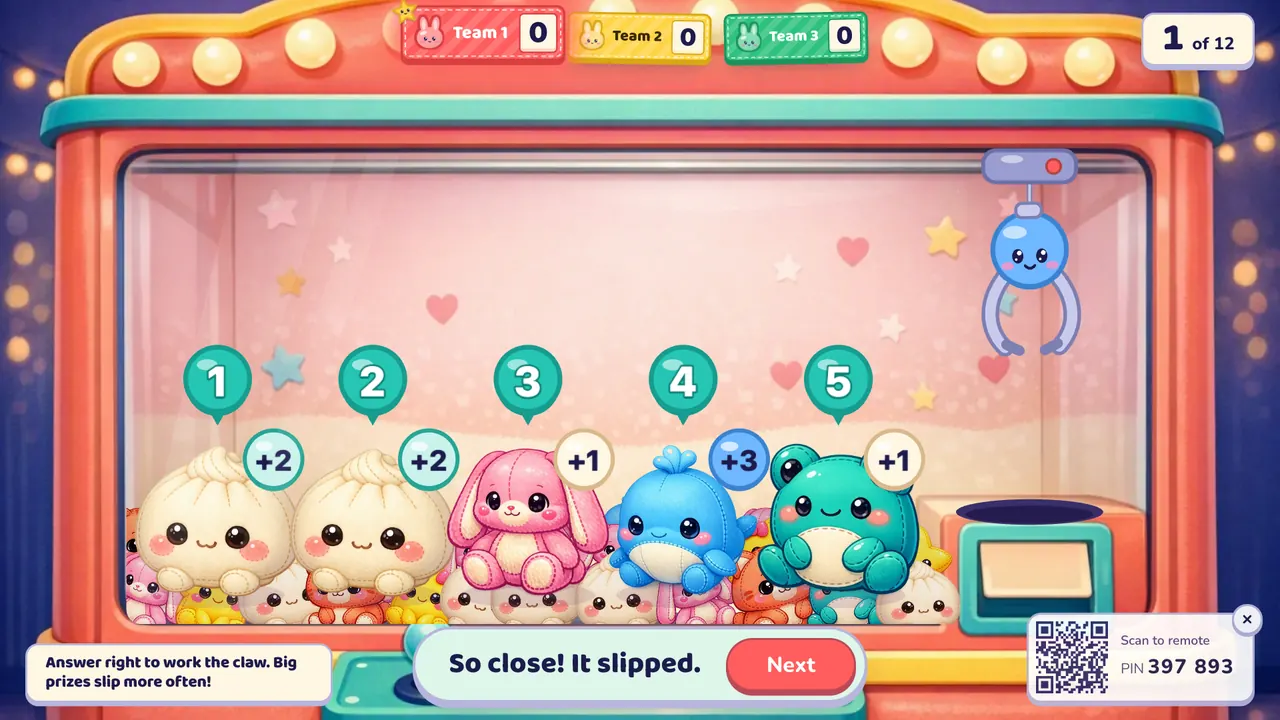
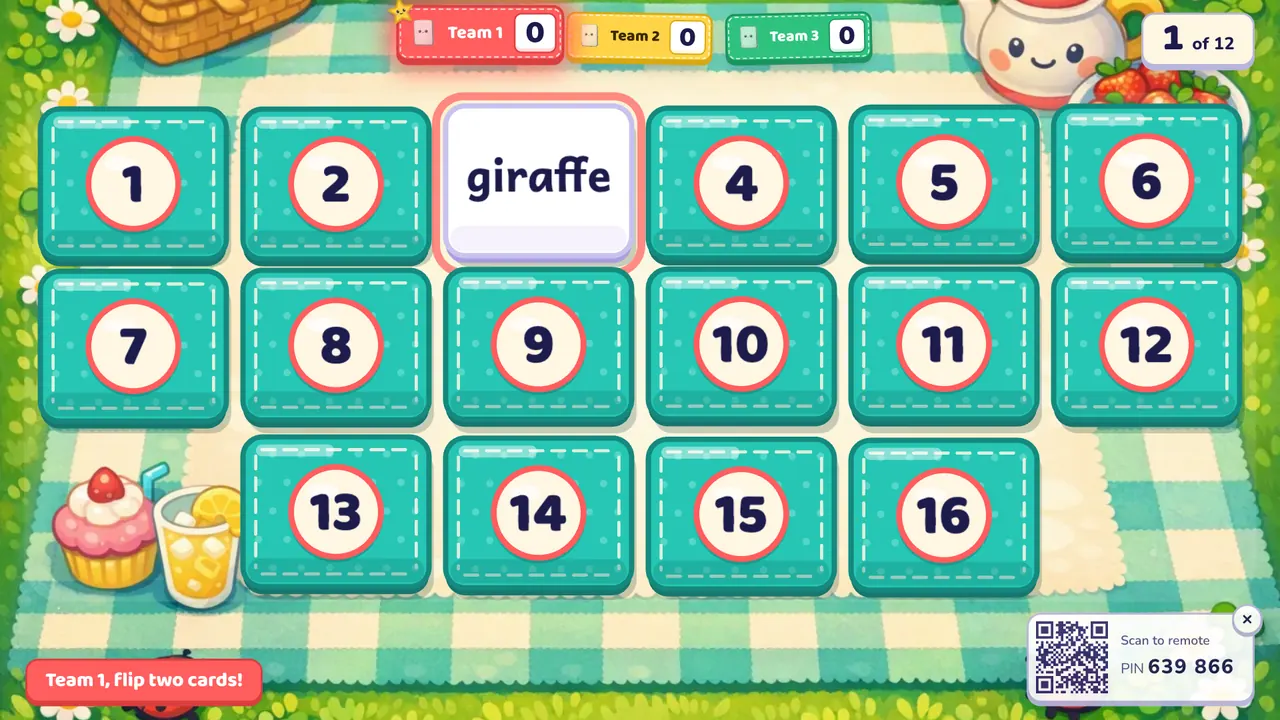
- Oly adds your phone as the remote, so you can walk around the room and see the answer first; games made from a photo of the textbook page; and 27 different games for the same question set, from Tile Grab and Lucky Wheel to Team Bingo and Tug of War.
The full comparison is on the Baamboozle alternative page.
Situation 3: young learners
With 5 to 8 year olds, logins, typing and small screens get in the way. A one-screen game removes all three: the class looks up at one big picture and answers out loud.
For English with young learners, look for pictures and sound, not just text. In Oly every word gets a picture and can be read aloud, and some games are built for this age: Listen and Touch (Oly says a word, a student touches the picture), Pop the Word and Memory Match. Calm, luck-based games like Fishing Pond keep things fair when the youngest can't answer as fast.
Older students (12 and up) usually enjoy the device games more, and can handle the speed of a Kahoot leaderboard or a Blooket mode.
Situation 4: live play or homework?
If you need homework, self-paced practice or a report for each student, choose a device tool. Blooket and Kahoot both do homework; so does Gimkit with its Pro plan, and so does Wayground (the new name of Quizizz), which is a whole platform for lessons, assessments and homework. See the Gimkit alternative and Quizizz (Wayground) alternative pages.
If your games happen live in class, as a warm-up, a review or a Friday treat, a one-screen game is often better: the whole class plays together, and you see faces instead of the tops of heads. Oly is live play only, and doesn't pretend otherwise. What it gives you instead is the list of words the class missed at the end, with one button to make a review game from just those.
Situation 5: budget
All four have a free plan you can teach with.
- Free is enough for most teachers who play once or twice a week. Oly's free plan includes every game, the whole library, up to 4 teams and 10 AI question sets a month.
- If you pay, compare the yearly price: Baamboozle+ is $59.88 a year, Oly Pro is $36 a year ($4.99 a month). Blooket shows its Plus price in your account; check Kahoot's site for its plans.
- Schools buying for many teachers should ask each company for a group price.
Quick decision guide
| Your class | Start with |
|---|---|
| Every student has a device, and you want per-student reports | Blooket or Kahoot |
| Some devices, one per team | Kahoot team mode |
| No devices, you write your own questions, you like a big shared library | Baamboozle |
| No devices, you want a phone remote, AI from the textbook page, many game types | Oly |
| Young learners, English, listening and speaking | Oly |
| Homework and self-paced practice | Blooket, Kahoot, Gimkit or Wayground |
Plenty of teachers use two: a device tool for homework and tests, a one-screen game for live review. That's a sensible setup, not indecision.
Trying Oly in five minutes
- Open Make a game and snap the page you're teaching, paste a word list, or paste your questions (
question | answer | wrong, wrong). A public Kahoot link works too. - Pick a game and the teams, and press Start the game on the classroom screen.
- Scan the QR code with your phone, and run the game from anywhere in the room.
Not sure which game to start with? Tile Grab takes ten seconds to explain. Or see all 27 classroom games.
Blooket, Kahoot!, Baamboozle, Gimkit, Wayground and Quizizz are trademarks of their owners and are named here only for comparison. Oly is made by Groowing Co., Ltd. and is not affiliated with any of them.
Try these games
 Tile GrabAnswer right to flip a tile. Points, stars, bombs and magnets that steal points.
 Lucky WheelAnswer right to spin the wheel. Win points, double your score, swap with the leader, or play again.
 Team BingoEvery team has a bingo card of answers. Each answer is called after its question. Three in a row: BINGO +5.