October 30, 2026
Review games before a test: a plan that actually works
Run test review games that show what the class still doesn't know: the right game for each goal, double points for key items and a missed-words follow-up.
The day before a test, many classes play a review game. Often it goes like this: the quick students answer everything, the class has fun, one team wins, and you still don't know who is ready for the test. A review game is only useful if it makes every student recall the material and shows you what the class still gets wrong.
Here is a simple plan for review games that do both, on one screen, with the whole class in teams.
Start from the test, not the game
Before you choose a game, write down what the test will actually ask. Ten to twenty items is enough for one game: the key words, the main facts, the question types students will see.
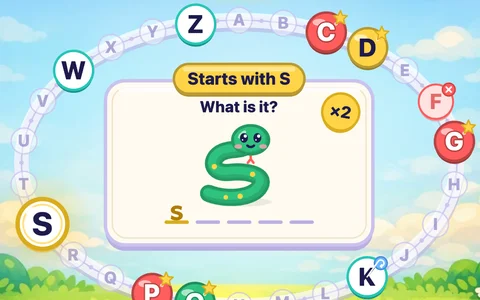
- Vocabulary test? Use the same words, in more than one form: picture to word, word to meaning, listening, spelling. For spelling and first letters, Letter Ring goes round the alphabet with a clue for each letter (English sets only).
- Grammar test? Write your own sentence questions in the same shape as the test ("She ___ (go) to school yesterday").
- Subject test (math, science, history and geography)? Mix multiple choice, true/false and open questions, like the real thing.
In Oly you can make the set from the textbook page the test covers (snap a photo), from a word list, or by pasting your own questions as question | answer | wrong, wrong. Oly writes the questions and you can change any of them before you play. If the unit is a common one, there may already be a ready-made set in the library to copy and edit.
Pick the game for the goal
The same question set works in every game, so choose the game by what you want to find out.
"I want to check everyone"
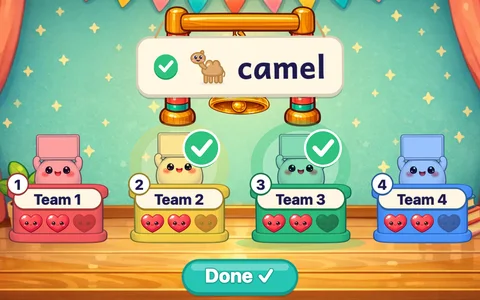
Use a game where every team answers every question. In Ring the Bell each team writes its answer on a mini whiteboard and holds it up at the same time. You tick the teams that got it right, and you see at a glance which teams can spell the word or solve the sum. A miss costs a heart, and the last team standing rings the bell.
This is the best review game for spotting gaps, because nobody hides behind another team's turn.
"I want to cover a lot, quickly"
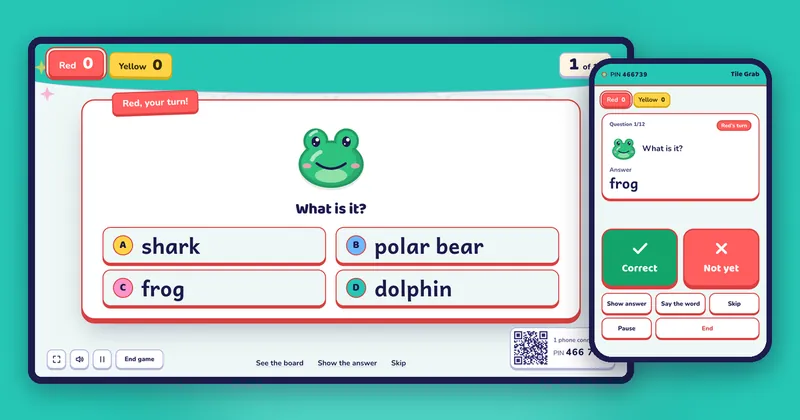
Use a turn-based game with short turns. Tile Grab is the classic: a right answer opens a box with points, a star, a bomb or a magnet. Turns are fast, and the score can swing until the end, so teams stay in it. Twelve to twenty questions fit in about fifteen minutes.
"I want every team to keep listening"
In Team Bingo every team has a 3×3 card of answers, and each question calls the answer onto every card that has it. Teams follow every question, not just their own. It suits vocabulary and any subject with short answers.
"Some topics are much harder than others"
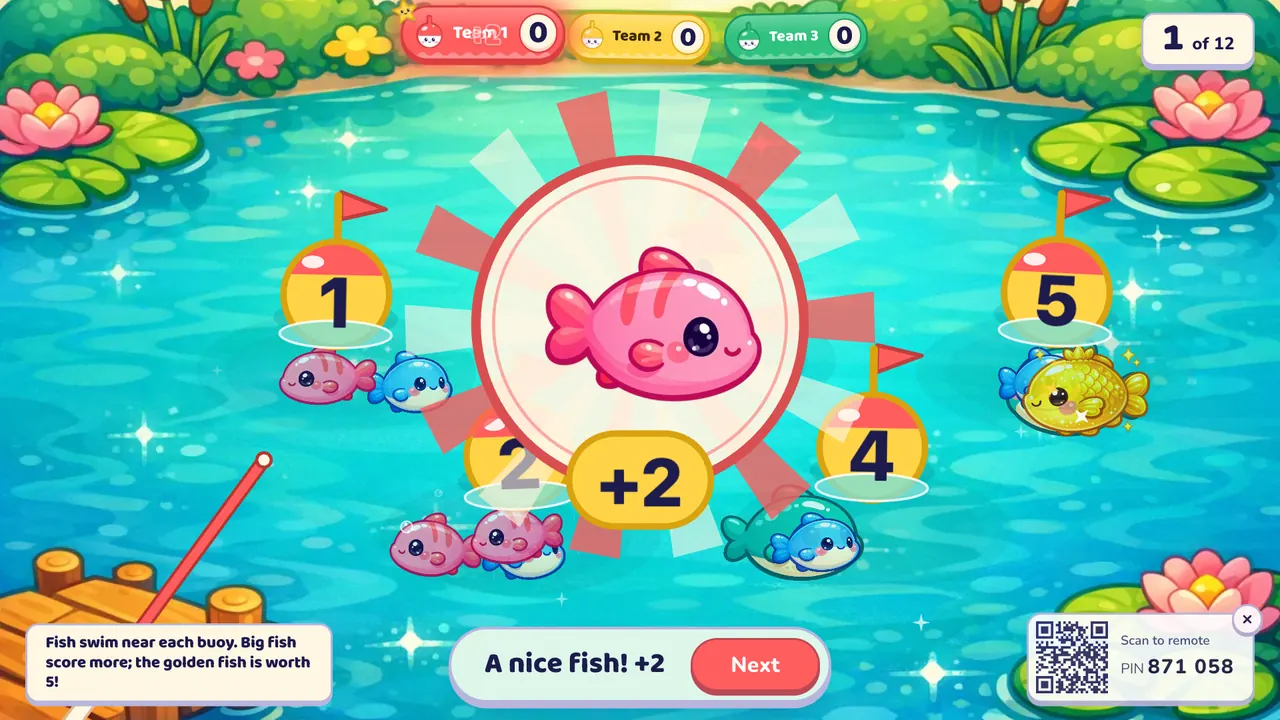
Dare Board lets teams choose a tile worth 1 to 5 stars, and the question's difficulty matches the tile. It is a good way to see who is ready for the hard questions, and a team that is unsure can still score with the easy ones.
"The class is nervous about the test"
A test can make some classes anxious, and a competitive game can make that worse. High Water is cooperative: the whole class builds one tower while the sea rises, and every right answer adds floors. Nobody loses alone, and the class sees that together they know most of it.
Make the key items count more
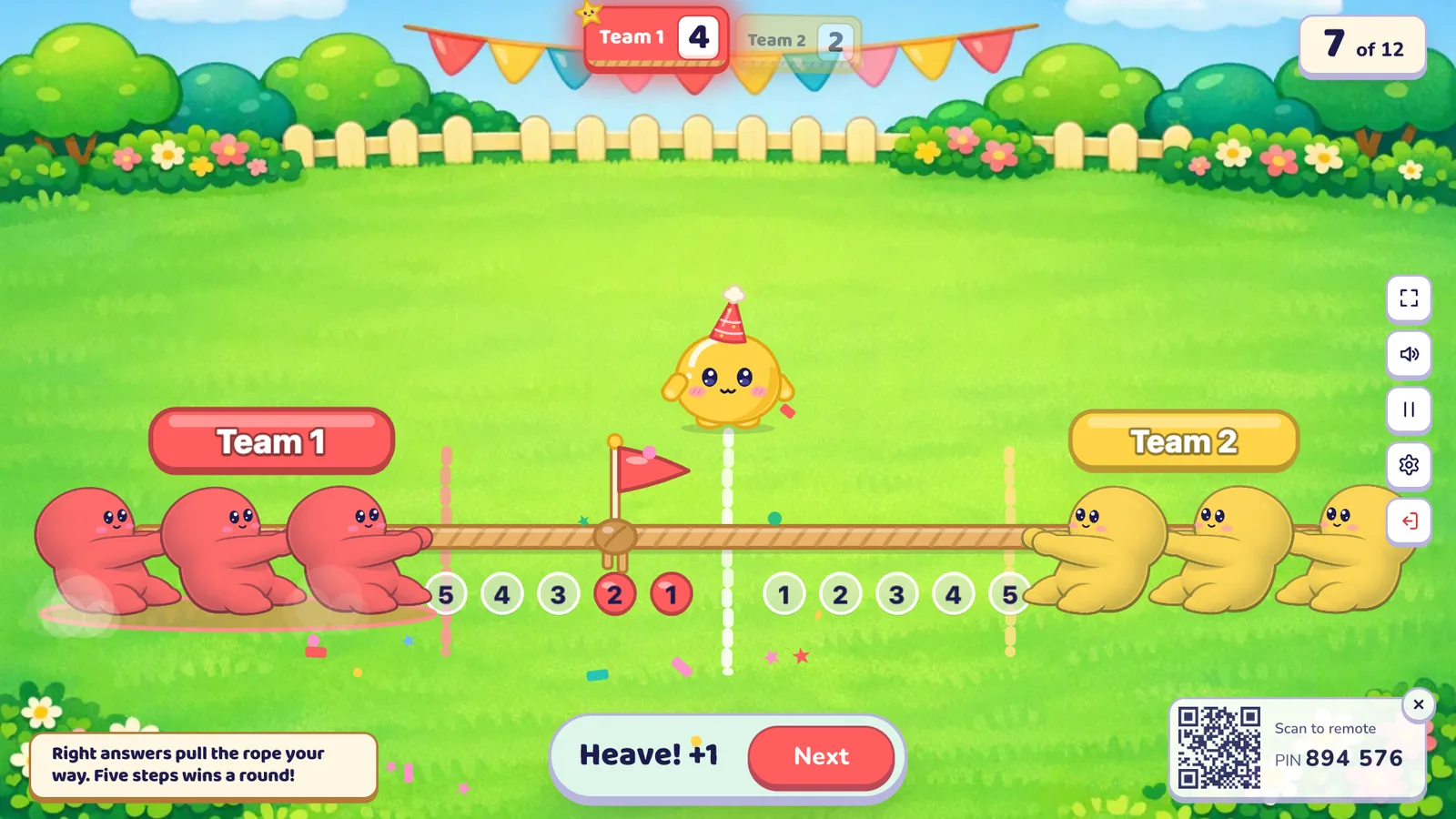
Not every question is equally important. If three items are certain to be on the test, make them double or triple questions. In Oly's editor, tap the points on a question to set it to ×2 or ×3. The question shows a "×2 points" or "×3 points" badge on the big screen, and the points the team wins are multiplied. In games where teams move instead of score, they move further: in Tug of War a double question pulls the rope two steps.
Students notice quickly: "This one's a double, it must be important." That is exactly the message.
Don't overdo it. Two to four double or triple questions in a set of fifteen keep them special.
Run the review in three rounds
One long game is less useful than a short sequence:
- Warm-up (5 minutes). A few easy questions so everyone remembers the topic. Keep the timer off.
- Main game (10 to 15 minutes). The full set, with a timer of 20 or 30 seconds per question so the pace is close to a real test.
- Second chance (5 minutes). Only the questions the class got wrong (see below).
Turn on steal in the settings so that after a wrong answer, another team can answer the same question. Every team has a reason to think about every question, and you hear a second answer to the hard ones.
Rotate who answers
In a review game, the risk is that the strongest student answers for the team every time, and you learn nothing about the others. Number the students in each team and call a number each turn, or paste your class list on the Ready page so Oly names one student per turn ("Team 3: Leo, your turn!"). Teammates can help in whispers; the named student answers. See how to make teams fast and fair for more.
Use the missed words
This is the part most review games skip, and it is the most useful. When the game ends, Oly's summary shows the podium and, below it, the words or questions the class missed. One button, Review missed words, makes a new game from just those items.
Use it in one of two ways:
- Straight away, as the five-minute "second chance" round, in a different game so it doesn't feel like a repeat.
- At the start of the next lesson, as a warm-up. When you open the same set again, the Ready page also reminds you what the class missed last time and offers to make a review game from it.
Write the missed items on the board too, and talk about why they were hard. A word the class keeps missing is usually a word that wasn't taught clearly, and now you know before the test, not after it.
Keep the answers secret
Run the game from your phone: it shows the answer before the class sees it, with Correct and Not yet buttons. You can check spoken answers without giving them away, walk round to read the mini whiteboards, and show the answer to everyone only when you choose. More in your phone as a classroom remote.
A review plan in one list
- 10 to 20 items taken from the test itself
- A game for the goal: Ring the Bell to check everyone, Tile Grab for speed, Team Bingo to keep everyone listening, High Water for a nervous class
- 2 to 4 double or triple questions for the key items
- A timer of 20 to 30 seconds, steal on
- Rotating speakers
- Review missed words, now or next lesson
For more routines like these, see the guide to classroom management games, or make a review game from the page your test covers.